
When should a word count as "learned"? After you get it right once? Twice? Five times? Every learner has a different answer, and every goal needs a different answer too.
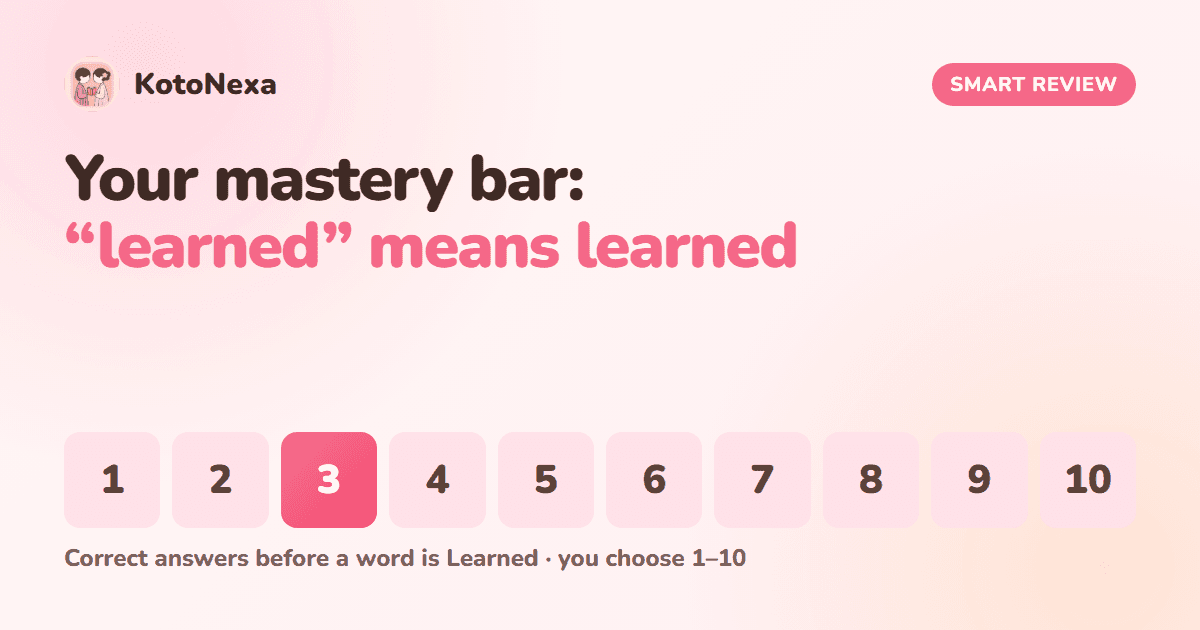
That's why KotoNexa lets you decide. Your mastery bar is the number of correct answers a word needs before Smart Review marks it as Learned. You can set it anywhere from 1 to 10, and change it whenever you like.
What the mastery bar controls
Every time you swipe right on a word, it gets one step closer to your bar. When it reaches the bar, it becomes Learned and leaves your daily deck. The setting is called Mark Word Learned After in your flashcard settings, and it's set to 3 correct swipes by default.
Correct answers needed before a word is Learned. Default: 3.
The stages adapt to your choice. Finalizing always means "one correct answer from your bar", whether that bar is 3 or 8. So the whole of Smart Review stretches or tightens around the standard you set.
How to choose the right bar for you
There's no single correct setting, but here's a simple way to think about it:
| Your situation | A good starting bar | Why |
|---|---|---|
| Refreshing a level you've studied before | 1–2 correct answers | You mostly need to confirm what you know and spot the gaps quickly. |
| Learning a level for the first time | 3–4 correct answers | Enough repetition for new words to settle, without slowing you down. |
| Preparing for the JLPT exam | 5 or more correct answers | Each word has to prove itself several times, so "learned" means exam-ready. |
If your Learned words start feeling shaky when you look back at them, raise the bar. If you're re-answering words you obviously know, lower it. Change it and your deck is rebuilt straight away to match your new standard.
Focus modes: give weak words extra attention
Your normal daily deck is a balanced mix of every stage. But some days you want to target something specific. That's what focus modes are for.
- 1Hard Words mode
Drills the words you keep missing: words you've swiped left on three or more times, or haven't got right yet. Perfect before a test, or whenever a few stubborn words keep tripping you up.
- 2Still Learning mode
Gathers words you've answered correctly at least once but haven't mastered, and aren't struggling with. Ideal for pushing a batch of half-learned words over the line.
Switch back to the normal mix any time and Smart Review carries on with its balanced daily deck.
More ways you stay in control
- Mark as known. Already know a word? Mark it and skip it, with no wasted reviews.
- Undo. Swiped the wrong way? Undo it and your counts are restored.
- Learned list. Every Learned word stays available to revisit, review or practise whenever you want.
- Daily target. Decide how many words each daily deck holds.
- Levels and topic categories. Choose exactly which words feed your sessions.
Why we built it this way
We believe you know your own memory better than any fixed rule does. Some learners want to fly through a level; others want every word rock-solid before moving on. The mastery bar, focus modes and Learned list exist so Smart Review fits the way you learn, not the other way round.
Set your own mastery bar
Create a free KotoNexa account, open Flashcard Settings and choose what "learned" means to you.